
AI Tools Every Student Should Learn in 2026 (No Coding Required)
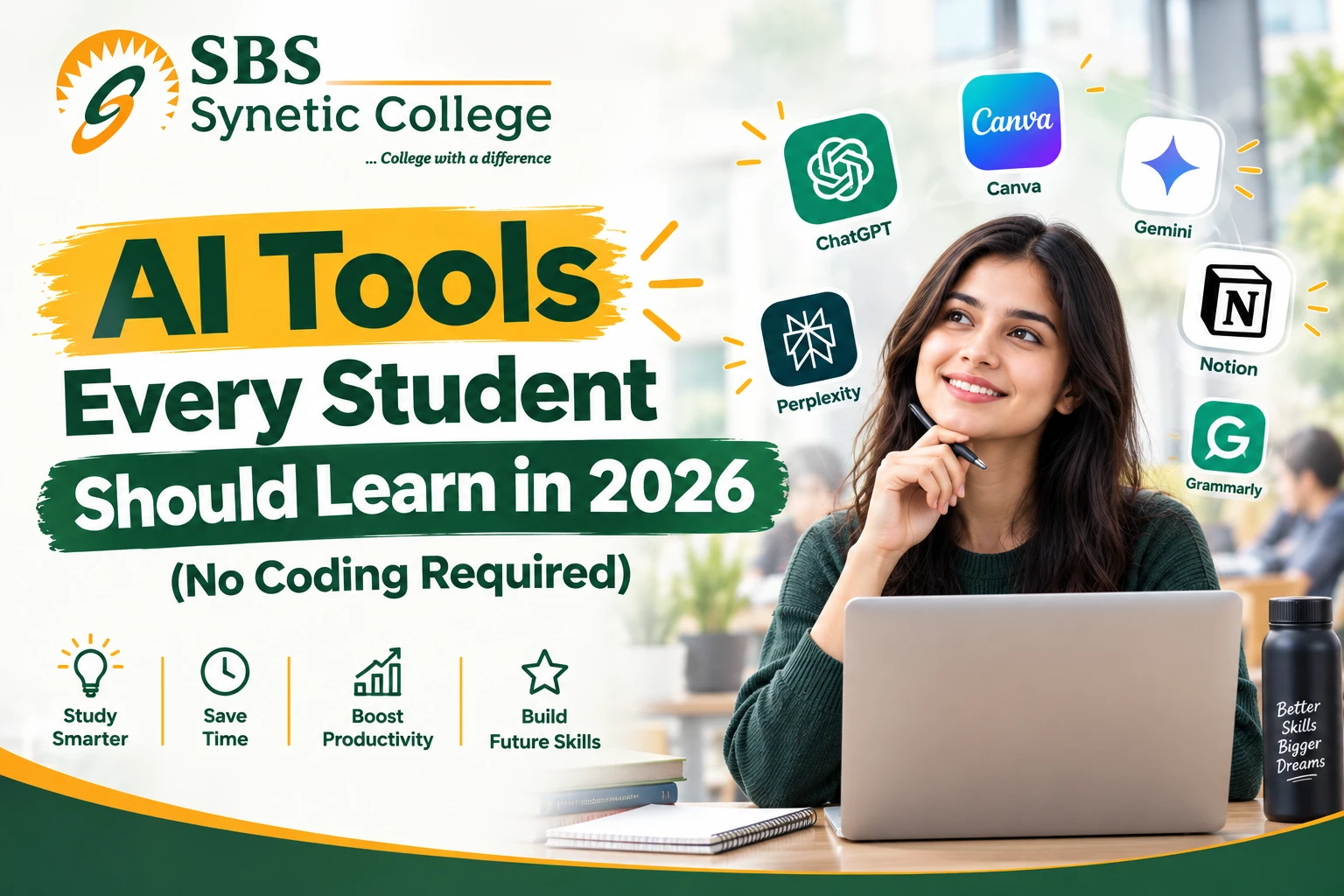
ChatGPT, Claude, Gemini, Perplexity, Notion, Canva, n8n, agentic AI, RAG — the AI toolkit every student needs in 2026, explained in plain language. No coding, no computer science degree required.
AI Literacy Is the New Excel — For Every Student, Not Just Computer Science
A few years ago, "knowing AI tools" meant something only computer science and IT students needed. That's no longer true. Whether you're in BBA, B.Com, BCA, Textile Design, Medical Lab Sciences, or an MBA program, the tools below are quickly becoming as basic to being employable as knowing how to use Excel or write a formal email — and none of them require a single line of code. (Commerce and BBA students specifically should also read Which AI Tools Should a Commerce/BBA Student Actually Learn in 2026? for a business-focused breakdown.)
These aren't guesses — they're from India's own 2026 hiring data. HRKatha reports that AI now shapes hiring decisions at 85% of Indian firms, while the India Skills Report 2026 puts overall graduate employability at just 56.35% — meaning the gap between "has a degree" and "is actually job-ready" is largely an AI-fluency gap. The good news: closing that gap doesn't require learning to code. It requires learning to use the right tools, well.
1. ChatGPT — The All-Rounder Starting Point
ChatGPT remains the single most useful starting point for any student — a study partner that can explain a concept five different ways, a first-draft generator for reports and assignments, and a tool to stress-test your own arguments before a viva or interview. The skill that actually matters isn't "having ChatGPT open" — it's prompting it well: giving it context, asking it to critique your work instead of writing it for you, and knowing when its confident-sounding answer is simply wrong.
2. Claude — The One That Says "I Don't Know" Instead of Guessing
Claude (by Anthropic) has earned a reputation for being more cautious than ChatGPT — it's more likely to flag uncertainty instead of confidently making something up, which matters enormously for research-heavy assignments, legal or financial case studies, and anywhere a wrong "fact" could cost you marks. It's also a genuinely strong option for structuring long documents, dissertations, and project reports. Most students benefit from having both ChatGPT and Claude available and learning which one to reach for depending on the task.
3. Google Gemini — Built Into the Tools You Already Use
Gemini's real advantage for students isn't a separate app — it's that it's built directly into Google Docs, Sheets, and Slides, tools every student is already using for assignments and group projects. That makes it the lowest-friction way to bring AI into everyday coursework: drafting inside a doc, summarizing a long reading directly in Drive, or generating a first-pass slide layout without switching tools at all.
4. Perplexity — Research That Shows Its Sources
Perplexity is built specifically for research, and the difference that matters for students is that it cites its sources — you can actually click through and verify where an answer came from, instead of taking a chatbot's word for it. For literature reviews, current-affairs assignments, and anything where a professor will ask "where did you get that?", Perplexity is the safer research tool to reach for first.
5. Notion (AI) — Organizing Your Whole Semester in One Place
Group projects, internship reports, and coursework deadlines scatter across WhatsApp messages, Google Docs, and half-remembered conversations — and the students who manage all of it well aren't smarter, they're just better organized. Notion turns that chaos into one shared space for tasks, deadlines, meeting notes, and drafts, and its built-in AI can summarize long notes or turn a messy brain-dump into a structured plan in seconds.
6. Canva (AI) — Professional Design Without Design Training
Every student eventually has to present something — a project viva, a business plan pitch, a placement interview deck, an event poster. Canva's AI features (Magic Design, background removal, instant resizing) make it possible to produce something that looks genuinely professional in minutes, with zero design background. It's one of the highest-return skills on this list precisely because almost every course and every placement round eventually needs a polished visual.
7. Grammarly — Beyond Spellcheck
Grammarly has moved well past red-squiggly-line spellcheck — its AI now checks tone, clarity, and structure, and can rewrite an awkward sentence while explaining *why* the rewrite works better. Used properly, it improves your actual writing over time instead of just cleaning up typos, which matters for everything from assignments to the formal emails you'll be sending recruiters within a year or two.
8. Agentic AI — The Next Step Beyond Chatbots
Here's where 2026 genuinely differs from a couple of years ago. A regular chatbot answers one question at a time — you ask, it responds, you ask again. Agentic AI is different: you give it a high-level goal, and it independently breaks that goal into steps, carries them out, and only comes back to you with a finished result. Give an AI agent a task like "research this topic and draft a five-page outline with sources," and instead of one reply, it searches, verifies, organizes, and formats the whole thing on its own. Tools built on this idea are increasingly showing up inside ChatGPT, Claude, and Gemini themselves — the chatbot you already use is quietly turning into something that can *do* multi-step work, not just talk about it.
9. RAG (Retrieval-Augmented Generation) — Why "Chat With Your Own Notes" Actually Works
RAG sounds technical, but the idea behind it is simple, and you've probably already used a tool built on it. Instead of an AI answering purely from what it was trained on (which can be outdated or simply wrong), a RAG-based tool first *retrieves* the exact, relevant material — your uploaded lecture notes, a specific research paper, your own textbook chapter — and then generates its answer grounded in that material. This is exactly how tools like NotebookLM work: upload your own notes and readings, then ask "summarize Chapter 4" or "explain this theory simply," and the answer comes from your actual material instead of a generic internet-wide guess. Once you understand this one idea, a whole category of "chat with your PDF" and "chat with your notes" tools suddenly makes sense.
10. n8n — Automating the Boring, Repetitive Stuff (No Coding Required)
n8n is a visual, drag-and-drop automation tool — you connect boxes on a screen instead of writing code, and it quietly does repetitive digital chores for you. A student council collecting event registrations can have every form submission automatically land in a spreadsheet and trigger a WhatsApp confirmation, with zero manual copy-pasting. A small business project or internship task involving repeated data entry can often be automated the same way. It's the kind of tool that used to require a developer and now takes an afternoon of dragging nodes around — genuinely useful for anyone running a college club, a small side project, or a business-plan assignment that needs to *look* automated to impress at a viva.
A Simple Learning Order for 2026
You don't need to learn all ten tools this week. A practical order that actually sticks:
Start With ChatGPT or Claude
Get comfortable prompting well — giving context, asking for critiques, and catching confidently wrong answers — before adding anything else
Add Canva and Grammarly
Low-effort, immediate payoff for presentations, posters, and everyday writing — the fastest tools to see a return on
Bring In Gemini and Perplexity
Once you're prompting well, use Gemini inside your existing Docs/Sheets workflow and Perplexity for anything that needs cited research
Organize With Notion
As coursework and group projects pile up, move deadlines and drafts into one shared space instead of scattered chats
Explore Agentic AI, RAG and n8n
Once the basics are habits, experiment with an AI agent completing a multi-step task, a NotebookLM-style tool grounded in your own notes, and a simple n8n automation for a real, repetitive chore
The One Thing AI Can't Replace
None of these tools change what your degree is actually evaluating — your ability to think, argue, and apply what you've learned when there's no chatbot in the room, whether that's a viva, an interview, or a real workplace decision. The students who benefit most from this toolkit aren't the ones outsourcing their thinking to it — they're the ones using it to think faster, research better, and present more professionally, while the actual judgment stays theirs. That distinction is exactly what a placement interview or a viva is designed to test.
Frequently Asked Questions
Do I need to know how to code to use any of these AI tools?
No — every tool on this list, including agentic AI features, RAG-based note tools, and n8n automation, is built for non-technical users through visual interfaces, drag-and-drop nodes, or plain-language prompts. None require programming knowledge.
What's the real difference between ChatGPT and Claude for students?
Claude tends to flag uncertainty rather than confidently guess, which makes it a safer choice for research-heavy or fact-sensitive work, while ChatGPT is a strong general-purpose starting point for brainstorming, drafting, and explanation. Many students benefit from using both and choosing based on the task.
What is agentic AI, in simple terms?
A regular chatbot answers one question at a time when you ask it something. Agentic AI takes a high-level goal, breaks it into steps on its own, carries them out — searching, organizing, formatting — and comes back with a finished result instead of a single reply.
What does RAG (Retrieval-Augmented Generation) actually mean for a student?
It means an AI tool answers using your own uploaded material — lecture notes, a research paper, a textbook chapter — instead of guessing from general internet knowledge. It's the idea behind "chat with your notes" tools like NotebookLM, and it's why those answers are more accurate and specific to your actual coursework.
Is n8n difficult to learn without a technical background?
No. n8n uses a visual, node-based interface — you connect boxes representing steps instead of writing code. A basic automation, like auto-saving form responses to a spreadsheet, can be built in an afternoon with no programming experience.
Will using AI tools for assignments count as academic dishonesty?
Using AI to understand a concept, structure your thinking, or review your own draft is learning. Submitting its output as entirely your own original work is not — and vivas, presentations, and practical evaluations exist specifically because that kind of shortcut doesn't hold up when you're asked to explain your own work out loud.
Which of these tools should Commerce and BBA students prioritize specifically?
Commerce and BBA students should also read SBS's dedicated breakdown, "Which AI Tools Should a Commerce/BBA Student Actually Learn in 2026?", which covers ChatGPT, Excel, Power BI, Canva, and Notion specifically for business use cases.
Is it too late to start learning these tools in second or third year?
No — most of these tools take a few focused hours to become genuinely useful, not months. Starting in second or third year still gives you real time to build a habit before placements or final projects arrive; the only real mistake is waiting until the week before you need them.
The degree still teaches you what to think. These tools just decide how fast — and how well — you can act on it. — SBS Editorial Team
Written by
SBS Editorial Team
Synetic Business School — sharing stories, insights, and updates from our campus in Ludhiana, Punjab.